Fix Duplicate Listings and Recover a Suspended Google Business Profile
A duplicate listing splits customer reviews, dilutes local search authority, and confuses buyers about which business profile is real. A suspended profile removes your business from Google Search and Maps entirely, often overnight and without detailed context.
While both issues severely impact local visibility and revenue, both are fully fixable. Resolving them comes down to identifying the exact root cause, following Google’s official remediation workflows, and implementing proactive listing protection.
How to Find and Remove Duplicate Listings
How Duplicates Occur
Unsynchronized data aggregators, independent verification attempts by different managers, and creating new profiles during address changes or rebranding generate active duplicates.
How to Identify
Search Google Maps and Search using your exact business name, physical street address, or legacy brand name alongside your city or postcode to uncover hidden matching profiles.
How to Remove
Delete empty profiles via your dashboard, report unclaimed duplicates as "Duplicate of another place" via Google Maps edits, or submit a support ticket to merge reviews into your primary profile.
To explore step-by-step merge workflows and anti-spam cleanup strategies, read our guides on How to Remove Duplicate Listings and Fix False/Spam & Duplicate Listings on Your GMB Profile.
What Can Get Your Google Business Profile Suspended
Ineligible Business Address
Using a PO box, virtual office, unstaffed coworking space, or mailing address rather than a physical storefront or legitimate service area.
Keyword Stuffing in Business Name
Adding search terms, city names, or slogans to your official business title instead of matching real-world signage.
Excessive or Suspicious Edits
Making rapid, consecutive changes to high-risk fields like your business name, primary category, address, or phone number.
Inconsistent NAP Data
Discrepancies between your profile name, address, and phone number and official public documents or website citations.
Duplicate Listings
Operating multiple profiles for the same physical location or service area.
User Reports or Spam Flags
Competitors or public users flagging your listing for policy violations, fake reviews, or inaccurate business details.
To review specific policy checklists and recovery scenarios, read our guide on Why Did My GMB Get Suspended?.
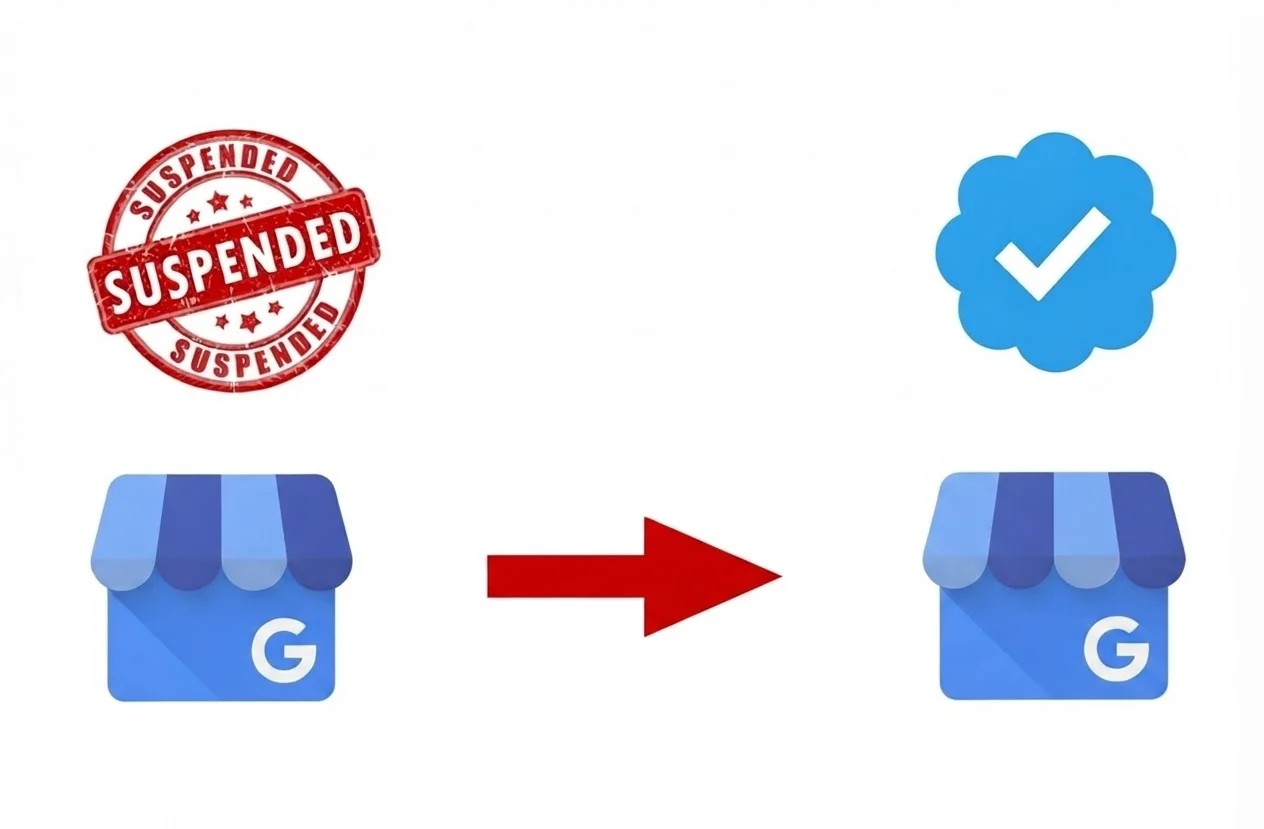
How to Recover a Suspended Profile
1
STEP 1
Audit & Fix Policy Violation
Review the moderation tag in your dashboard and correct non-compliant details to match Google guidelines before appealing.
2
STEP 2
Gather Verified Evidence
Collect official business licenses, recent utility bills, or storefront signage photos matching your exact profile name and address.
3
STEP 3
Submit Official Appeal
Competitors or public users flagging your listing for policy violations, fake reviews, or inaccurate business details.
Required Documentation Checklist
Official Business Registration or License
Certificate of Incorporation, DBA filing, or state/local business license displaying your official business name and physical address.
Utility Bills
Recent monthly utility statement (electricity, water, internet, or landline phone) matching your exact business name and physical profile address.
Proof of Physical Location
Commercial lease agreement, tax certificate, or photos showing permanent exterior/interior signage, unstaffed office spaces, or branded service vehicles.
Locking Your Profile to Prevent Unauthorized Edits
Google regularly accepts public edit suggestions and third-party web data, leaving listings vulnerable to unauthorized changes to core operational details. While Google offers no native “lock” button, securing a profile means using automated oversight to decline unverified edits before they go live, protecting your local search rankings and revenue.
Single-location owners can safeguard listings by setting up edit alerts and restricting access, while multi-location brands rely on management tools to enforce automated info locks across all profiles.
Read our guide on Why You Need to Lock Your GMB Listing for more details.
Other Common GBP Problems

Missing from Google Maps
Your listing fails to appear in local search or Maps results due to incomplete verification, weak local relevance signals, or address filter suppression.

Incorrect Map Pin Location
Automated geolocation drops your map pin on the wrong street or building, giving misdirected navigation to customers.

Category Edits Rejected
Google denies primary or secondary category updates that fail to align with your documented business model or website content.

Pending Edits Stuck in Review
Field updates remain locked in a perpetual "under review" state after automated filters flag frequent or major profile changes.

Missing or Filtered Customer Reviews
Legitimate customer reviews disappear or get held back by automated algorithm updates targeting unusual review activity.
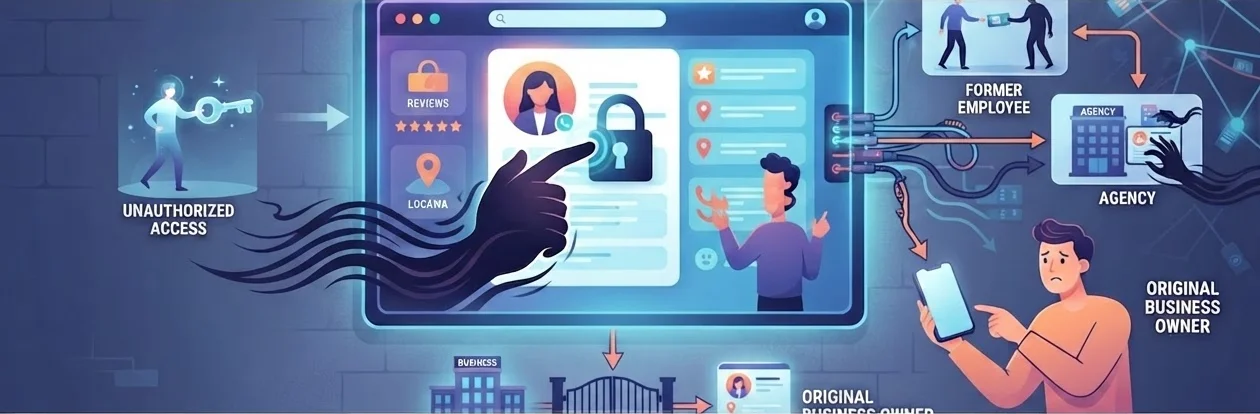
Unclaimed Profile Hijacking
Former employees, external agencies, or unauthorized third parties gain primary owner access to an unmanaged listing, locking out the actual business owner.ivity.
To troubleshoot and fix specific operational errors, read our complete guide on Common GMB Problems & How to Resolve Them.
Protecting Every Profile When You Manage More Than One Location
A single duplicate or suspension is an emergency; across hundreds of locations, manual fixes become impossible. Multi-location brands cannot afford reactive cleanup, prevention and real-time monitoring are essential at scale.
Vicinus replaces one-off troubleshooting with automated, portfolio-wide protection. By continuously monitoring NAP consistency, enforcing profile locks, and auto-declining unauthorized user edits, Vicinus stops duplicates and policy suspensions before they impact search visibility or revenue.
Explore Our Solutions
Frequently asked questions
If you manage an unverified or empty duplicate listing, delete it via your dashboard settings. For unclaimed public duplicates on Maps, submit a “Suggest an edit” request to flag it as a duplicate. If both listings have reviews, submit a support ticket to Google Business Profile Support to merge the profiles, transferring valid reviews into your primary profile.
Common causes include using an ineligible address (like a PO box or virtual office), keyword-stuffing your business name, rapidly making major edits, maintaining inconsistent business details across the web, or receiving spam flags from users.
Official review takes 3 to 5 business days, but complex appeals or support backlogs can extend recovery to 14 to 20 business days. Submitting multiple appeals during this window slows down review processing.
Yes. Google routinely accepts third-party web data and public user edits, exposing profiles to unintended or competitor edits. While Google lacks a native single-click lock button, protecting your profile requires using automated tools or strict dashboard oversight to reject unverified changes before they publish.
Centralize listing management across your entire account network using an automated multi-location management platform. Automated software synchronizes address updates, continuously audits web directories for unverified duplicates, and enforces uniform business details across every location.
Still looking for an answer?
Drop us an email and we will get back to you within 24 hours.




