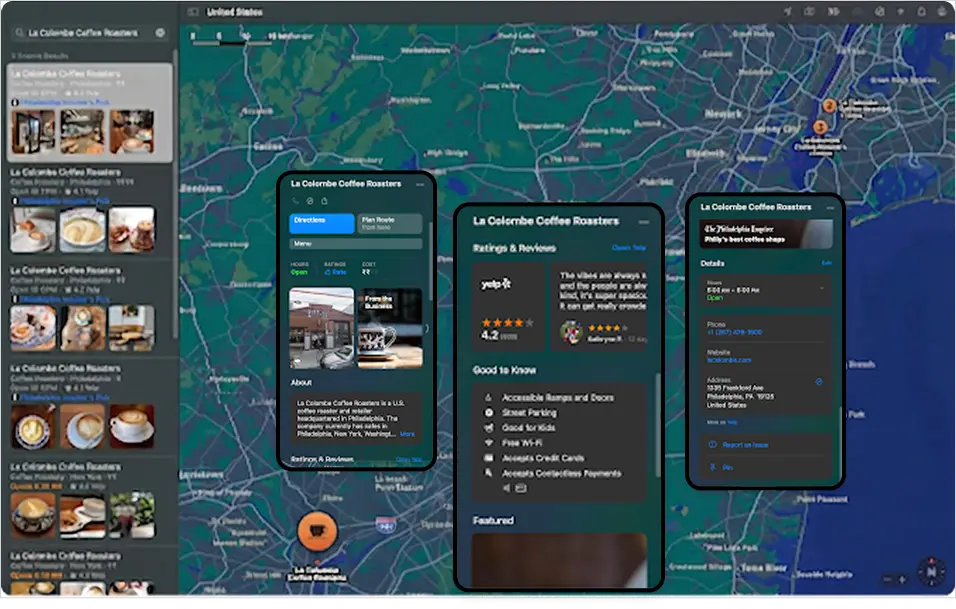
Apple Maps serves as the default navigation engine across hundreds of millions of iOS devices, while directly grounding Siri’s voice-search answers. Even though Apple generates minimal web search query volume, an unverified or outdated profile leaves your business invisible to a high-intent mobile audience. Maintaining accurate Apple listings ensures your brand stays visible across every native iOS surface.
Bing’s local index provides the primary real-time data foundation for Microsoft Copilot and ChatGPT web search results.
Missing or unverified profiles on Bing Places for Business force AI answer engines to pull from stale web scrapes or omit your locations entirely.
Enables custom Showcases for seasonal promotions and embedded action buttons for instant calls, online ordering, or appointment bookings.
While both platforms are essential pillars of local digital strategy, they serve completely different user behaviours, ecosystems, and conversion paths.
|
|
|
|---|---|
| Ecosystem & Device Reach | |
| Dominates the web-wide search market across both Android and desktop devices. It captures intent across Google Search, Google Maps, and Chrome, making it the primary platform for high-volume local search queries. | Directly targets the premium iOS/macOS ecosystem. It is natively integrated into Apple Maps, Siri, Spotlight search, Apple Wallet, and Safari, capturing users natively embedded in Apple’s hardware network. |
| AI & Assistant Integration | |
| Grounds real-time local responses for Google Gemini, Google Assistant, and Google AI Overviews. | Serves as the authoritative source of location data for Siri and Apple Intelligence across 1B+ active Apple devices globally. |
| User Intent & Conversion Funnel | |
| Optimized for immediate customer action, driving phone calls, direct website visits, customer reviews, and immediate direction requests. | Optimized for native mobile experiences and lifestyle integrations: incorporating custom action buttons (example Reserve a Table, Order Food, Buy Tickets), showcase offers, and direct integration into Apple Wallet. |
Access Apple Business using a business-dedicated Apple Account and select your account organization type.
Search for existing storefront records on Apple Maps to claim ownership, or select "Add a location" if no profile exists.
Enter your exact business name, primary category, phone number, website URL, operating hours, and place the map pin at your physical entrance
Complete verification via phone PIN code, DNS domain validation, or by uploading official corporate documentation such as utility bills or business licenses.
Siri relies directly on Apple Business data to deliver real-time answers for spoken local requests, directions, and business inquiries on iOS devices.
Just as Google Business Profile and Bing Places feed Google AI Overviews and ChatGPT web search, Apple Maps grounds native iOS assistant recommendations.
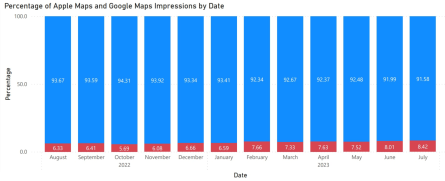
While traditional keyword search volume for Apple listings remains low, accurate profile data prevents voice assistants from surfacing outdated details or omitting locations entirely.
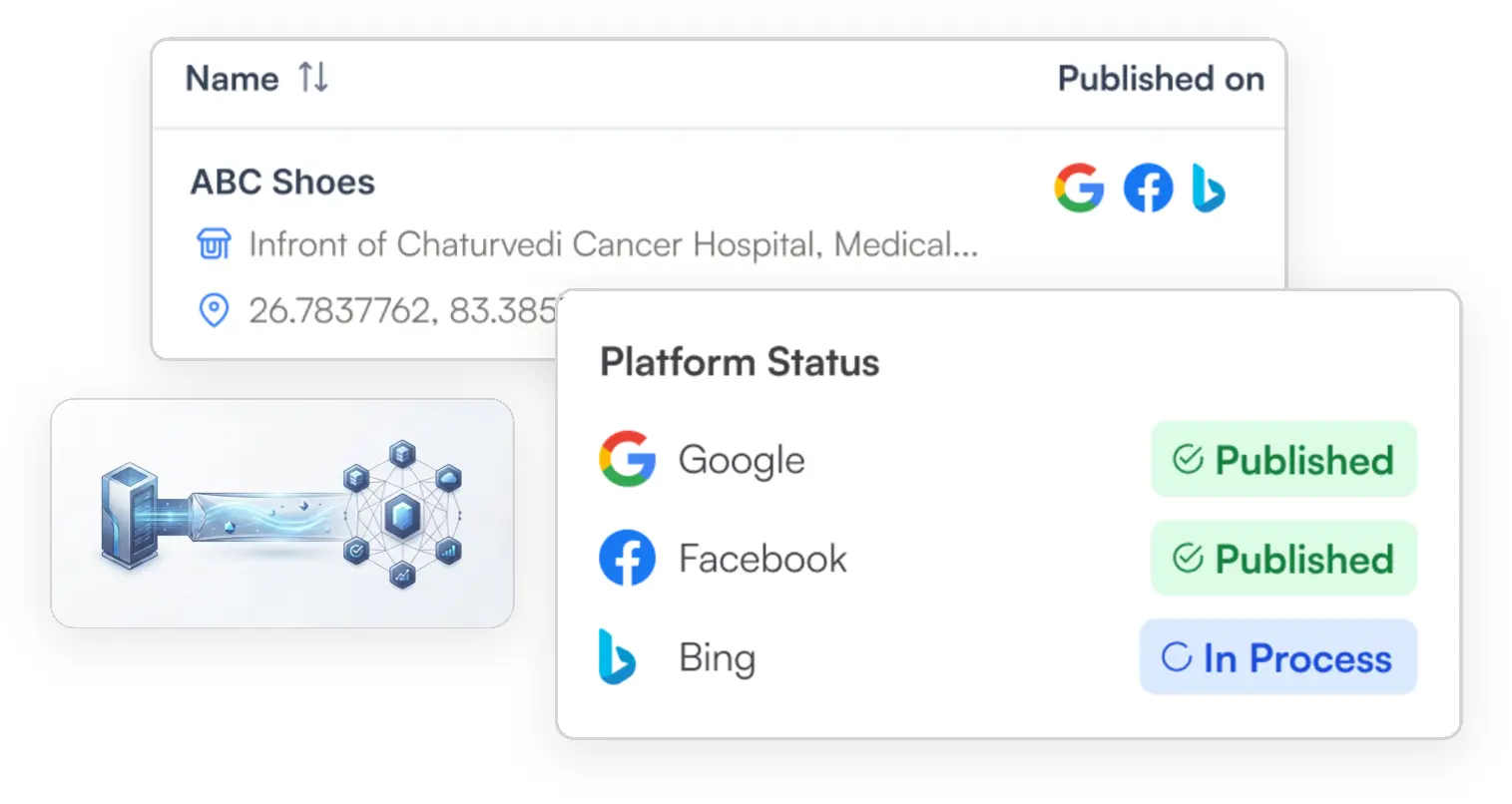
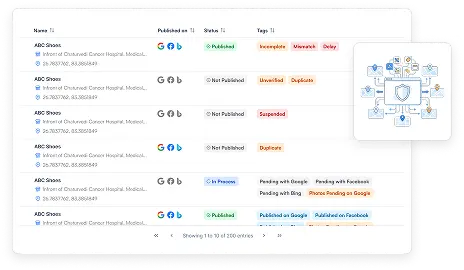
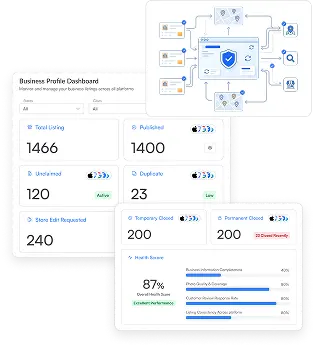
Manage Apple Business for multiple locations from one dashboard without toggling between separate publisher portals.
Push portfolio-wide updates to operating hours, categories, and Place Card assets simultaneously across all bulk Apple Maps listings.
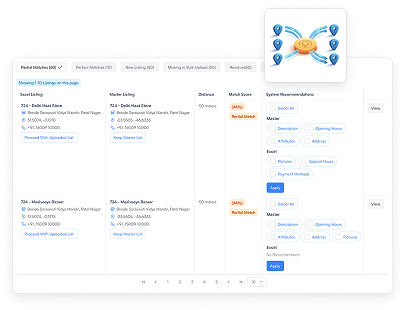
Ensure NAP edits made at headquarters instantly sync across Apple, Google, and Bing to prevent multi-channel listing drift.
Automatically monitor Place Card completeness, detect missing attributes, and correct errors across your entire Apple Maps footprint.
Sign into the Apple Business portal using a business Apple Account, search for your business to claim an existing listing or create a new profile, configure your Place Card details, and complete verification via phone, domain, or official documentation.
Drop us an email and we will get back to you within 24 hours.


Error: Contact form not found.