As part of its efforts to improve its artificial intelligence competencies in AI Mode, Google has introduced a new feature called “Search Live.” The United States of America made its debut on September 25 with this function, which is powered by artificial intelligence, with the intention of transforming the way in which customers engage with search and the presentation of results.
As a result of this shift in search dynamics, businesses that are looking to improve their local internet presence face new obstacles. In this guide, we will provide you with all of the information that you require regarding Google’s most recent innovation.
Understanding Google Search Live
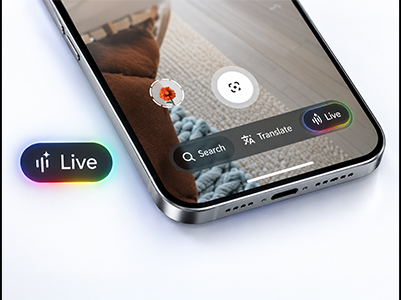
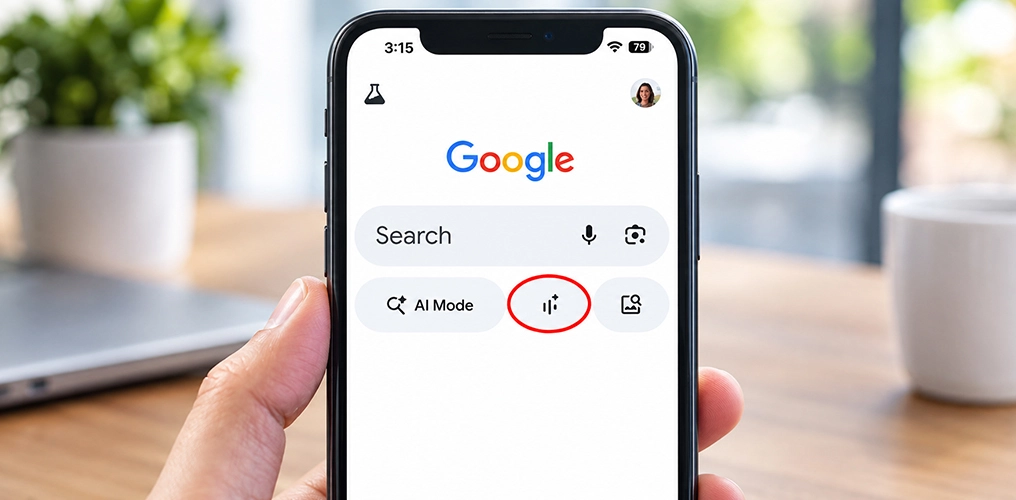
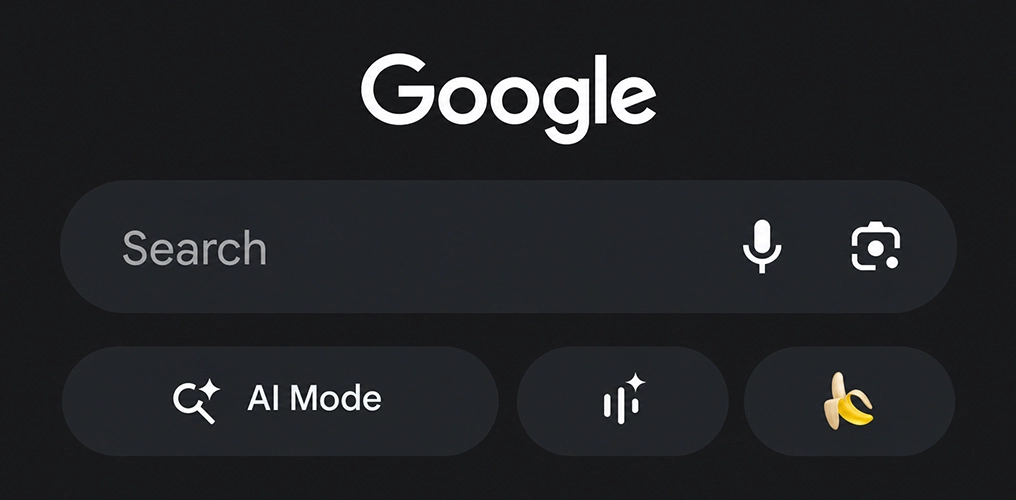
Before we learned about AI Mode or Gemini 3.1’s capabilities, Google introduced another groundbreaking feature: Google Live. Google Search Live is a new feature that lets people use voice commands and their smartphone’s camera to interact with real-time search. Users often call it Search Live. The Google app has a feature that lets users do conversational searches. This makes it easier for users to ask questions and get answers right away.
People may use Search Live to share what their phone’s camera sees, which lets Google Search see what they’re looking at. The system uses visual input, voice prompts, and AI to give explanations that make sense in the context, relevant connections, and quick follow-up answers. This makes searching more engaging by letting users explore stuff in real time instead than just relying on textual searches. The new “Live” feature works great with Google’s other services and uses your phone’s camera to give you smart results.
How Does Google Live Work?
Google’s Search Live was designed to be user-friendly and simple to understand and use for anyone. This is how the procedure is carried out:
1. Launch the Google application and enable Google Lens.
Launch the Google app on your phone and enable camera-enabled Lens.
2. Aim your camera at an object, scene, or place.
The camera enables the system to visually analyze your current focus in real time.
3. Ask your inquiry vocally.
Rather than typing, you can effortlessly articulate your inquiry as the camera records the environment.
4. Access immediate AI-driven outcomes
Google Search concurrently evaluates visual input and voice commands, employing AI to comprehend context and provide pertinent responses straight on your display.
Google illustrated this functionality with a realistic scenario: a user directing their camera at ingredients while inquiring about the preparation of Cappucino. Search Live evaluates the pictures and verbal questions concurrently, subsequently offering systematic guidance, recommendations, and useful links to assist in crafting the ideal cup.
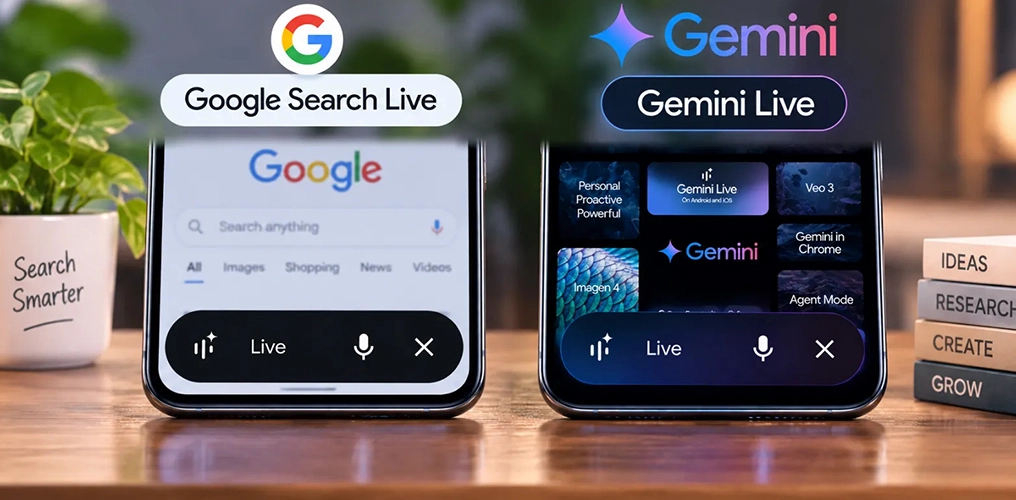
Google Search Live Vs Gemini Live
Traditional SEO vs. AI-Driven SEO
Keyword-focused
Intent- and context-focused
Enhances search result pages
Enhances AI response boxes, synopses, and dialogue outputs
Dependent on local backlinks, citations, schema markup for local business, hyperlocal SEO and metadata
Dependent on clarity, structure, trust signals, and real-world relevance
Operates on precise match words
Comprehends natural language inquiries
The majority of ranking variables are static
Continuously and dynamically updating their outcomes in real time, AI models
How To Feature on Google Search Live results?
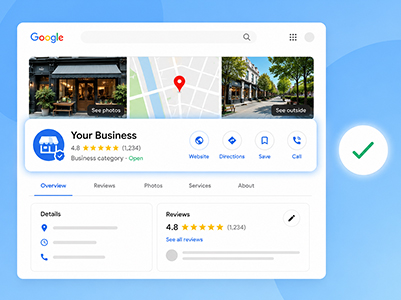
1. Optimize Google Business Profile
Maintaining an accurate and current profile is crucial, particularly if you have multiple locations. When someone asks, “Where can I get this fixed?” Google prioritizes listings that are reliable and educational.
Correct name, address, phone
Relevant primary and secondary categories
Holiday and special hours
Complete product and service list
Parking, accessibility, and payment options
2. Get more reviews to boost your reputation
Google’s AI uses reviews to figure out how to rank and rate businesses. High ratings and active participation show that you can trust and rely on them.
Pay attention to these two important things:
Get customers to review via emails, SMS, or shop prompts.
Quickly respond to all reviews, good or bad.
3. Change the way you plan your content
People are changing how they search for things beyond just keywords. As voice and visual searches become more popular, your content needs to give clear responses that focus on solutions.
Optimize for intent:
Make material that answers actual questions that people ask.
Update blogs, websites, and product descriptions.
Put visual content first:
Add how-to videos, tutorials, and instructions with pictures.
Use photographs of good quality with alt text and descriptions that have been optimized.
Real-Time Use Cases for Search Live
Search Live distinguishes itself from conventional voice search with its capacity to provide a genuinely interactive experience. Empowered by Google Gemini, it comprehends your speech, interprets your camera’s visuals, and accesses online information simultaneously.
Rather than providing static results, it engages in a conversational, contextually aware manner, rendering each inquiry akin to a real-time discourse rather than a mere search. So just point, ask, solve.
1. Travel and Explore
Search Live lets you ask inquiries while getting dressed at your hotel or touring. Direct your camera at monuments, streets, or locations to learn about your surroundings.
2. Try a new hobby
You may think of Google Search Live as a personal expert that you can take with you. Instead of reading lengthy recipes, point your camera at the ingredients or cooking processes and ask what to do. For instance, you might check for finished cooking or simple alternatives.
3. Troubleshooting
Trouble with a device or setup? Point your camera and ask. Search Live can visually detect components of a home theater system or other device and help you through the process without model numbers or instructions.
4. Include Interactive Learning
Search Live can make mundane tasks educational. It can analyze real-time data, explain ideas, and offer extra resources for a simple science project.
5. Simplify Group Decisions
Search Live lets you rapidly compare board games and activities. Show what you have and ask for group-specific ideas to save time and make decisions.
6. Learn As You Go
Transform everyday instances into educational opportunities by scanning objects, doing experiments, or observing environments to receive immediate, straightforward explanations, analyses, or profound insights.
7. DIY & Fix-It Guidance
Engaged in a task at home? Present the issue, whether it pertains to furniture, wiring, or fittings, and receive immediate guided assistance as you proceed.
Final Thoughts
All these aspects constitute the new “signals” that Search Live’s AI will detect and analyze to provide users with the most relevant response. This material will distinguish you from competitors and ensure your presence in Google Search Live results. Embrace a “transactional” mentality directed towards users who request AI to “assist me in accomplishing *this*” or “inform me of the location to obtain *whatever*…”
Google Search Live is not merely an elaborate update; it is an innovative feature that will fundamentally transform how consumers search for and discover solutions in real time. Companies face a dual challenge: to establish a rigorously curated local presence through optimized Google Business Profile listings and to enrich their online environment with visual references that offer tangible answers. With ongoing advancements in the AI search space and given the prevalent AI Mode history, whether it’s Deep Search AI Mode, Gemini 3.1, or features like Google Live, the need to adapt is becoming more important than ever.